How to Get More Storage on Mac Without Buying a New Hard Drive
When that dreaded "Your disk is almost full" warning pops up, your first instinct might be to start shopping for a new external hard drive or consider upgrading your machine entirely. But before you spend any money, you should know how to get more storage on Mac using the space you already have.
By utilizing a few clever tricks and the right tools, you can easily clean up mac storage and reclaim dozens of gigabytes of wasted space.
1. Offload Files to iCloud Drive
One of the easiest ways to get more space is to let Apple manage it for you.
macOS has a feature that automatically moves your Desktop and Documents folders to iCloud Drive, only keeping recently opened files locally on your Mac. Older files are replaced by a small cloud icon—they take up zero mac storage until you click to download them again.
To enable this, go to System Settings > Apple ID > iCloud, and turn on Optimize Mac Storage.
2. Empty Your Caches and Trash Bins
It sounds simple, but you'd be surprised how much storage is tied up in the Trash. Remember, when you delete a file, you aren't actually freeing up space until the Trash is emptied.
Furthermore, your Mac stores massive amounts of temporary cache files. These files fall into the infamous "system data mac storage" category. (If you're using an older macOS and wondering "what is other in mac storage?", it's the exact same thing).
While you can empty the Trash easily, clearing out application caches requires navigating to the hidden ~/Library/Caches folder. Be careful: deleting the wrong system cache can cause apps to misbehave.
3. Remove iOS Backups
If you plug your iPhone or iPad into your Mac to sync or charge, Finder might be quietly creating massive local backups of your mobile devices. These backups can easily consume 50GB to 100GB of space!
To delete them:
- Open System Settings > General > Storage.
- Click the i (info) button next to iOS Files.
- Select any old backups you no longer need and click Delete.
4. Use a Professional Mac Storage Cleaner
If you've tried the steps above and still need to figure out how to clean mac storage, you need a bird's-eye view of your hard drive.
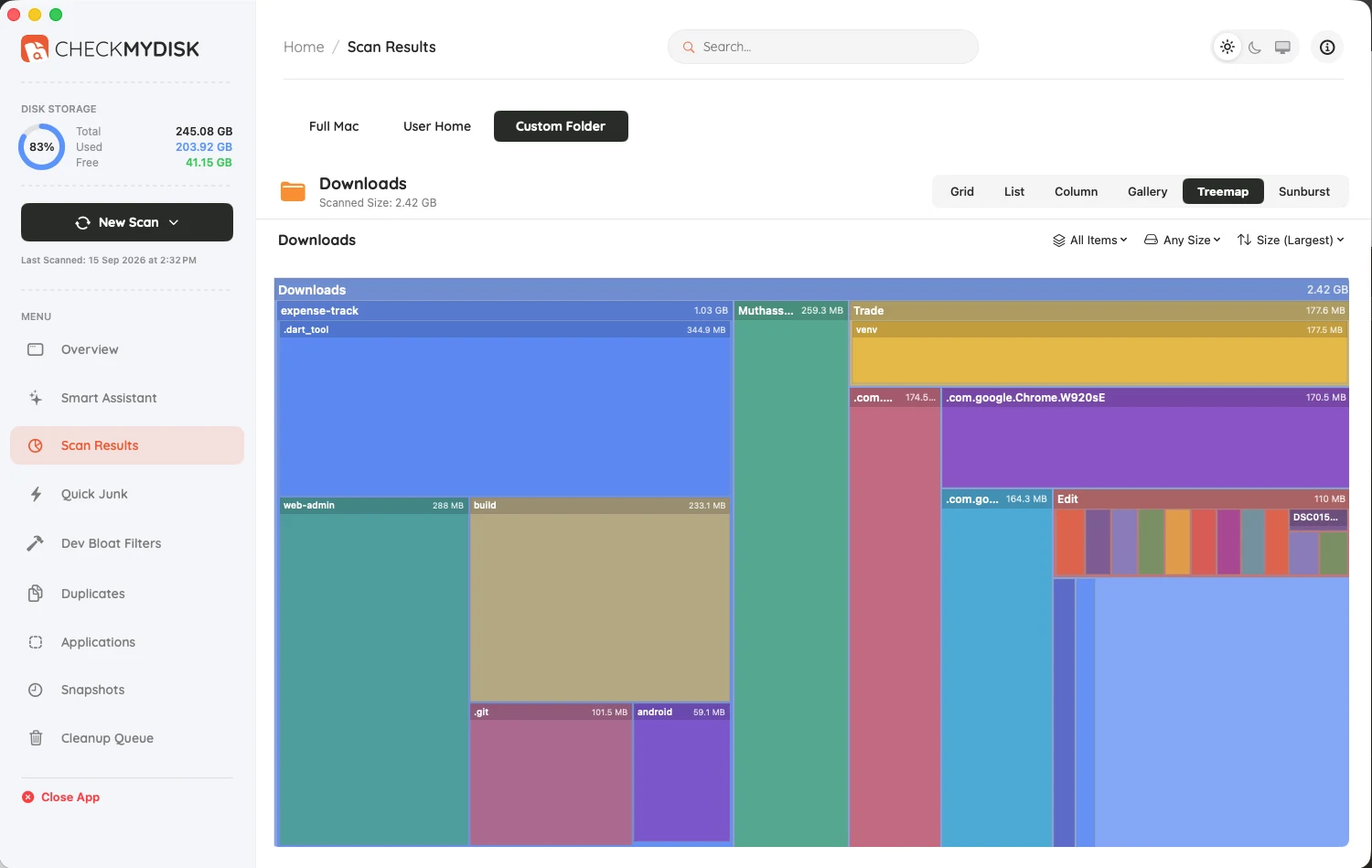
Using a premium mac storage cleaner like CheckMyDisk allows you to see exactly where your storage went. CheckMyDisk renders your entire hard drive as an interactive visual map. You can easily spot massive forgotten video files, instantly find exact duplicate files that are wasting space, and safely wipe out orphaned application data. It is the ultimate tool to optimize mac storage and get more space instantly.